Initial Account Setup
After successfully logging in to the ProcureSwift application, it is recommended to complete the initial user account setup. These settings allow users to update personal information, configure notification preferences, and secure their account by changing the password.
It is best to complete the initial account setup immediately after logging in to ensure that personal information is up to date and that the user receives relevant notifications about system activities.
User Profile
- In the top menu of the application, click the user icon.
- From the menu, select Account
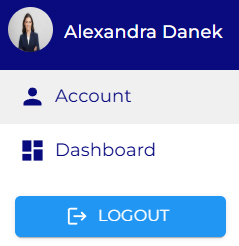
The Account – Manage your account page opens and contains multiple tabs.
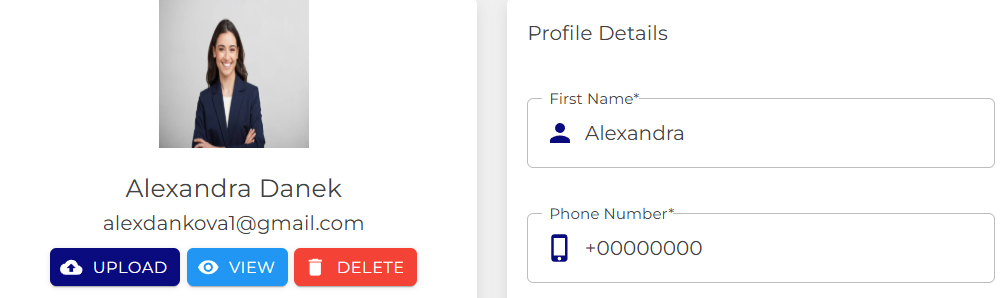
In the Profile tab, users can manage their personal and contact information.

Available options:
- uploading a profile photo
- editing first and last name
- adding a phone number
- reviewing the email address
- entering company details (e.g., company name, website)
- updating address information
After making changes, the updates are saved by confirming the changes
Notification Preferences
In this section, users can configure how they are notified about events within the application.
Available settings:
- Enable Email Notifications
Enables receiving notifications via email in addition to in-app notifications.
- Weekly Digest
Enables a weekly summary email with an overview of recent activities.
All notifications are always available directly within the application. Email notifications serve as a supplementary communication channel.
