User Registration by Administrator
In addition to self-registration, a user account can also be created directly by an administrator in the ProcureSwift application. This method is particularly useful when the administrator needs to quickly add employees to the system without requiring them to register on their own.
With this registration method, administrator approval is not required. However, a role must be assigned to the user in order for them to fully use the system.
User Creation Procedure
- The administrator logs in to the ProcureSwift application.
- In the main menu, navigates to Administration.
- Selects Platform Users.
- Clicks the Create button.

In the displayed form, only the basic user information needs to be entered:
- First Name
- Last Name
- Password
After entering the required information, click Save.
After the user account is successfully created, an email is automatically sent to the user containing:
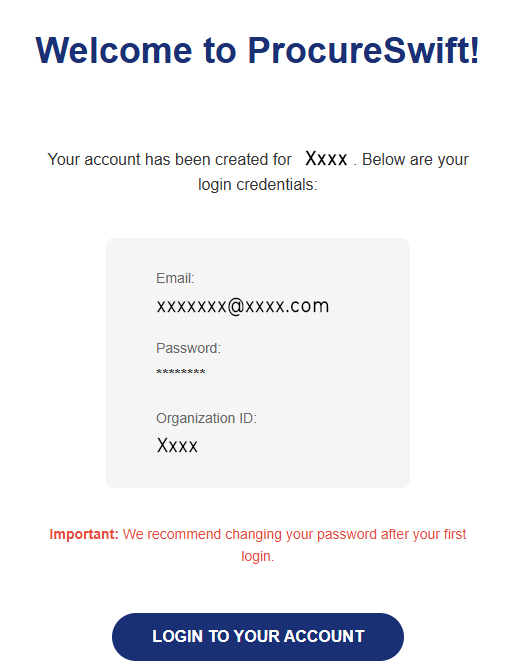
The user can log in to the application immediately using the provided credentials. It is recommended that the user changes the password after the first login.